Consolidate divergent backups, external hard drives, and photo archives without fear of accidental overwrites. Instant zero-space cloning with one-click undo.
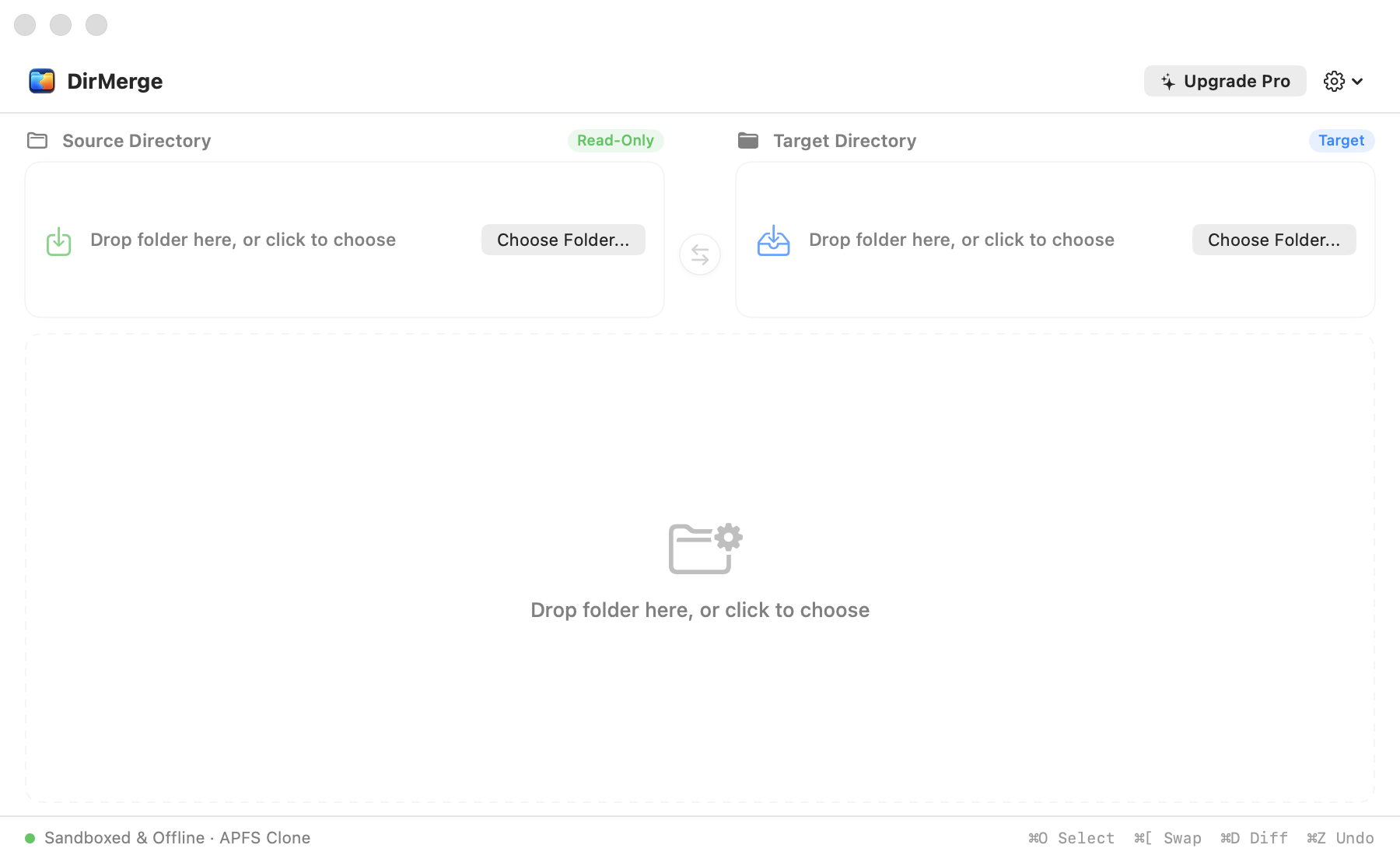
Designed from the ground up for macOS Sequoia and Sonoma, with zero web runtime bloat.
Utilizes Darwin copyfile CoW technology. Merge gigabytes of data on the same APFS volume in milliseconds without consuming double disk space.
Source directory is strictly read-only. Before overwriting any existing file in the destination, a snapshot backup is automatically archived for instant ⌘Z rollback.
DirMerge never spins up your external USB mechanical hard drives until you explicitly click Start. Zero unexpected throttling or drive thrashing.
Pure macOS App Sandbox compliant. DirMerge requests zero network entitlements. Your filenames, paths, and data strictly never leave your Mac.
Need to sync changes both ways? Press ⌘[ to instantly swap Source and Target directories without re-navigating file pickers.
Only 1.3 MB in total size. Starts in 0.08 seconds and consumes less than 25 MB of RAM. No Electron, no WebKit, pure Swift 6.
Conventional copy utilities waste gigabytes of disk space and write cycles. DirMerge changes the game.
When copying files within Apple File System (APFS) volumes, traditional tools read source blocks and write duplicate blocks to the destination, doubling physical storage and wearing out SSD cells.
DirMerge invokes Darwin's native copyfile(..., COPYFILE_CLONE). The operating system creates a new namespace entry pointing to the original disk extents.
See how DirMerge compares against macOS Finder, terminal scripts, and legacy tools.
| Feature / Metric | DirMerge 2.0 | macOS Finder | Terminal (rsync) | Beyond Compare | FreeFileSync |
|---|---|---|---|---|---|
| Native macOS Interface | ✓ SwiftUI Native | ✓ System | CLI Only | Qt Port | wxWidgets |
| APFS Zero-Space Cloning | ✓ Automatic (CoW) | Manual Duplicate | ✕ (Full Writes) | ✕ (Full Writes) | ✕ (Full Writes) |
| Read-Only Source Lock | ✓ 100% Enforced | ✕ (Accidental Move) | Script Dependent | Configurable | Configurable |
| One-Click Undo (⌘Z) | ✓ Snapshot Rollback | Unreliable Across Folders | ✕ Irreversible | Manual Backup | Recycle Bin |
| Drive Protective Scanning | ✓ On-Demand Only | Auto-Indexes Drive | Immediate Access | Immediate Access | Immediate Access |
| App Sandbox Privacy | ✓ 100% Offline | System Native | Unsandboxed | Network Enabled | Network Enabled |
| Binary Size & RAM | 1.3 MB (<25 MB RAM) | System Default | ~500 KB | ~80 MB | ~50 MB |
| Pricing Model | Free (25 files) / $9.99 Lifetime | Free (Included) | Free (Open Source) | $35 – $70 | Donation / Ads |
No complex rules, no cryptic regex, no code diff distractions.
Select or drag your reference folder (e.g. external SSD backup) and your destination folder. Press ⌘[ to swap directions anytime.
Click Start to view real-time breakdown of new, conflict, and identical files with instant live search and filtering.
Merge everything in seconds. If you ever change your mind, press ⌘Z to restore overwritten items instantly.
Clear answers to common questions about safety, cloning, and storage compatibility.
Never. The Source directory is mounted and accessed strictly in read-only mode. DirMerge will never delete, move, or modify any file inside your reference folder.
On Apple APFS drives, DirMerge creates Copy-on-Write references rather than copying raw bits. A 50 GB photo shoot or video archive clones in milliseconds while consuming 0 bytes of extra disk space.
Before replacing any conflicting file in your Target directory, DirMerge creates a safe rollback snapshot. If you made an error, click Undo (or press ⌘Z) to restore every replaced item.
Yes. While zero-space cloning requires APFS, DirMerge seamlessly supports exFAT, FAT32, and HFS+ volumes with high-speed buffered streaming and complete snapshot protection.
Yes. DirMerge operates inside the official Apple App Sandbox without network entitlements. It contains no analytics, no telemetry, and zero network calls. Your files never leave your computer.
The free version allows you to merge up to 25 items per batch with full APFS cloning. The Pro Lifetime purchase ($9.99 USD) unlocks unlimited batch merging across all your Mac computers permanently.
